Create Video Captions That Survive the Upload
Prepare a readable caption file, verify the player controls and catch timing issues after the video platform processes it.
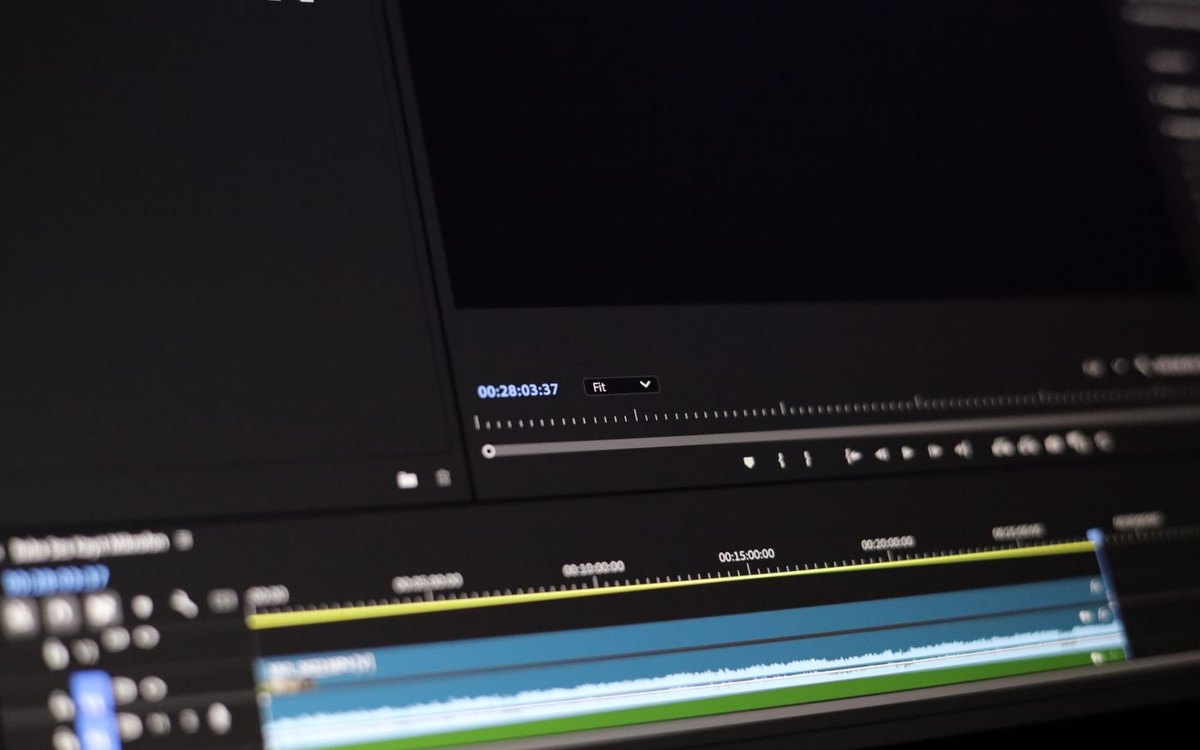
The final caption in a one-minute video is easy to miss during editing. It might appear under a share control, disappear abruptly before someone finishes speaking or show a person's name incorrectly. A good caption workflow goes beyond a transcript generated inside the editing software. It verifies what the viewer can see when the finished video plays in its actual destination.
Start from the final spoken edit
Generate or draft captions from the final sequence, once speech and picture timing have stabilized. An earlier transcript can help with spelling and names, but its time positions might be inaccurate after even a small trim. Compare the first words and last words of several sentences to the audio as you set boundaries. Caption timing needs to account for reading, as well as when the person begins and ends a line. A series of tiny flashes may technically contain all the words while being hard to follow.
Make important audio cues available in text. A doorbell that motivates a character to leave, a telephone interrupting an interview and changes of speaker can all be essential to the story. Decide which identifications are clear from the frame and which require a label. Do not copy every incidental sound. The text should preserve enough information that watching without sound makes the important action understandable.
Write for the place people read
A line break across a person's first and last names can make a useful identification harder to see. Break at natural phrase boundaries when you can. Avoid packing long clauses into one caption when a pause would allow a clean split. If someone speaks exceptionally fast, retaining the intended meaning and finding a readable timing solution is more useful than applying a rigid line length without reviewing the scene. Have a second person check unusual names, places, acronyms and numbers if possible.
Export an editable sidecar format the venue supports. A player that accepts WebVTT may display it from a track, while another publishing service may ask for SRT or import captions through its own editor. Agree on the file format and timing reference before transferring the project. Save a clean final video alongside the caption file. For a venue that only supports open captions, make that rendered version from the approved text so there is a separately updateable version elsewhere.
Check after delivery
Use a restricted preview for footage that needs controlled access. On YouTube, anyone with an unlisted link can view and forward it. Turn captions on manually and review with sound off. Test the beginning and end, seek to the middle, and confirm the active language label. After any platform replacement or trimming, verify the last section again. Some platforms may reposition text, rewrite line breaks or change the visual relationship to other graphics. Compare playback at one full-screen size and on a narrow phone screen.
A separate descriptive transcript serves viewers who want a readable page, a section reference or important visual context. It can share dialogue with captions but has a different job. If a diagram or gesture communicates something the audio never states, add that information to the appropriate accessible version. Keep the caption file, transcript and final video under a shared edition name. When an editor later corrects a term, that simple arrangement makes it possible to carry the correction through every format.
Create a realistic caption test sequence
A short test sequence can identify several problems before a long event is prepared. Use an excerpt with two voices, one quiet sound that changes the action and a cut that introduces a name or place. Add one line that ends immediately before another person starts. Some speech recognizers merge statements across a cut or supply a plausible answer for a word they did not recognize. Edit the text with the actual sound playing much more closely than you would review a written article. If a sentence is technically grammatical and doesn't make sense in the context, ask the person who recorded it or read the script. Look for proper names carried from a nearby word, especially in a changing location.
Timing begins with the way viewers encounter the image. Put one cue before a change in speaker, another near the end of a thought and a third over a brief reaction. Compare which cue positions let the audience follow without losing an important expression. Avoid displaying an answer long in advance where it would reveal a joke or take attention away from a question. When two people overlap, use a readable representation of who says which essential phrase. Captions can present some kinds of interruption without reproducing every syllable that runs underneath. If visual meaning depends on the overlap itself, preserve that relationship in the finished version.
Write for adjustable viewing as well as your preview
Open captions render as part of the image. They can be useful in environments where people cannot turn on a separate track, but viewers cannot adjust their style, turn them off or choose an alternative language inside the same track. A closed caption track can support those choices when the player handles them, and the player may control text size, contrast and wrapping. Test a larger viewer caption style and any settings your audience commonly uses. Text can lose readability when scaled into a small frame within a page, particularly if a line has been intentionally forced to run too long.
When a location name or lower-third graphic occupies the same area, decide which part of the picture is essential to read. You may need to change the video layout or verify whether the caption track can choose another position. Positioning support varies with the format and player. A short WebVTT test can check what a browser does with explicitly placed cues, but assume the look may change if the publishing service imports and rewrites the file. Try entering full-screen, seeking and dismissing the controls. Review any embedded player as well as the main platform, since controls and placement may vary with the embed opening size or surrounding layout.
Trace timing that drifts over a long file
If the first cue lands correctly but a cue near the end appears early, measure the error at several positions. A difference of the same duration throughout the entire video usually points to a changed start time, a pre-roll or a trimmed introduction. A growing difference suggests a timing scale mismatch or a different sequence. A sudden change mid-program could come from cutting a commercial break or removing a brief stalled section. Keep a record of the version from which the captions were authored. Compare runtime and a few distinctive phrases before editing the cue times one by one. A correction to the time base is easier to review than fifty independent adjustments.
Synchronized caption files should use times appropriate for the delivered video. When producing a simplified text version from them, arrange the text so a reader does not have to work through every cue break as though it were a new sentence. A transcript can group lines by speaker, identify useful visual context and provide headings for a longer section. Keep any corrections in a source that can update both documents. A new transcript entry should never force captions to remain wrong or require a separate search for the old name near the end of every video edition.
Coordinate original speech, captions and translations
Make clear which track preserves speech and meaningful sound information and which tracks are translations prepared for particular audiences. Keep a glossary for names and specialized terms, then share it with the person checking captions and anyone preparing a translation. Include spellings actually used by people, entries for jargon that should remain in the original language and a note on significant terms with more than one common translation. A translator may need a little freedom to retain meaning within a readable amount of text. Provide both picture and sound so references to “this one” or “here” can be interpreted rather than guessed.
Language labels need a similar review. If a video switches between two speakers using different languages, check that a caption track makes that fact apparent where it matters. A caption file can be textually correct but difficult to locate if the platform presents a broad language label or leaves the language unspecified. Test turning captions off too. Some players select a default based on a device or prior viewer preference. The delivery should correctly present choices and keep an independent master available for revisions.
Set up a small approval checklist anyone can run
Play the final file with captions enabled and sound off while using a phone. Check that the main message is apparent without hearing it, names agree with the credited version, and the closing cue survives to the finished end. On a desktop keyboard, pause, seek and locate the captions control without relying on a mouse. Compare a short selection with all dialogue audible and a separate reading of the transcript. If you maintain a collection, have someone who did not prepare the upload run the same test on a frequent schedule. A previously approved file can still change when it moves to a new publisher or a platform swaps its player.
The useful record for a project contains the exported media edition, approved tracks and the workflows used to generate any burned-in derivatives. The viewer should be able to choose a readable version. The editor should be able to fix a single cue without recreating every related file. That combination makes captions a maintained part of the publication.